




Setup Instructions
Logic’s two-piece device and smart capsule system is ready to vape in three easy steps.
Simply remove the Logic Pro smart capsule from all packaging, insert it into the device, and screw on the battery.
How to recharge the battery
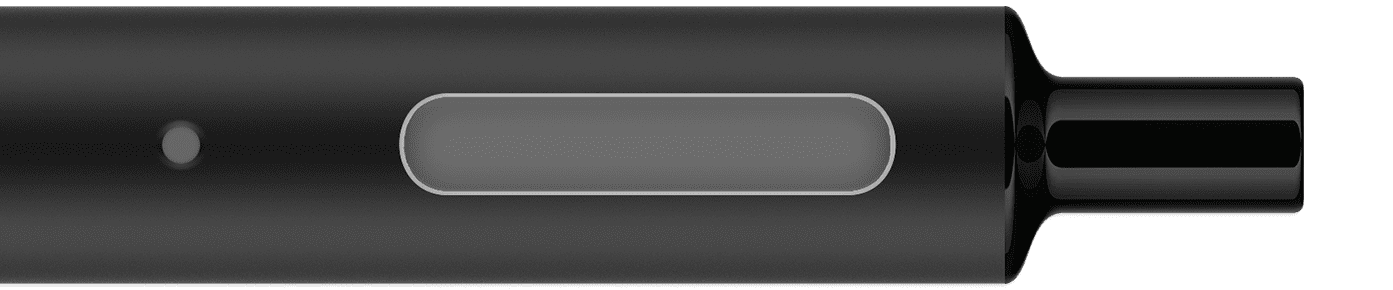
To recharge, attach the battery from your Logic Pro device to the USB Charger by twisting, and connect to a USB port. The indicator light on the battery flashes five times when charging begins. The indicator light on the USB charger will be red during charging. When fully charged, the indicator light on the battery flashes five times and the indicator light on the USB charger will turn green.
How to change capsules
Remove the old capsule. Remove the plastic tips at either end of the new capsule and insert into the vapouriser, twisting onto the battery.